Author: admin

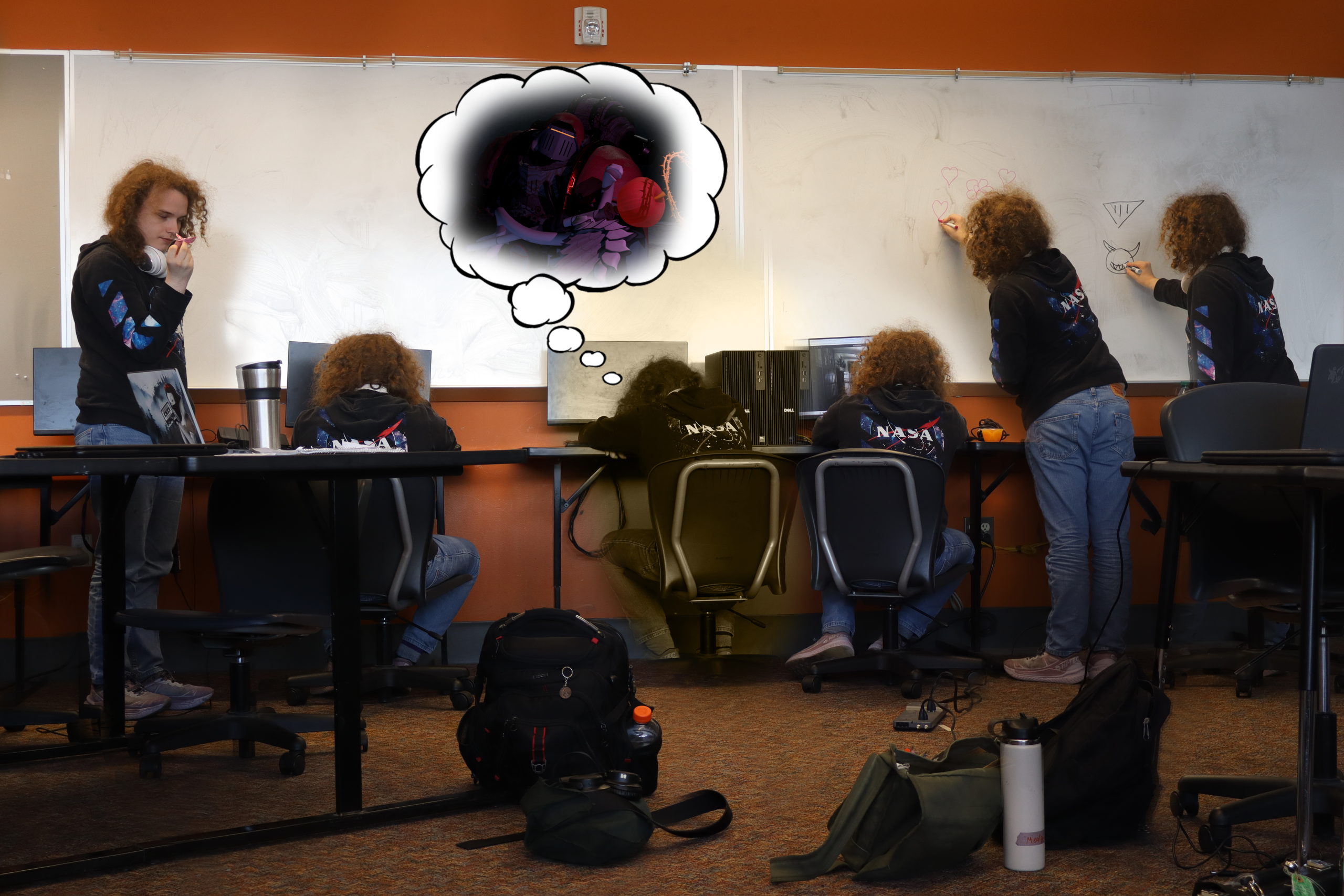
  • Posting my backlog of pictures in media

    Posting my backlog of pictures in media

    Add a caption…

    Write something about this photo…

  • Welcome — how to add a photo

    This site is ready for photos. To add one:

    1. Log in at /wp-admin
    2. Click Posts → Add New
    3. A photo block is already sitting at the top — click it and choose Upload
    4. Add a caption and a little text underneath if you’d like, then click Publish

    The photo becomes the post’s cover image automatically, and it’ll show up right here on the homepage in the order it was posted.